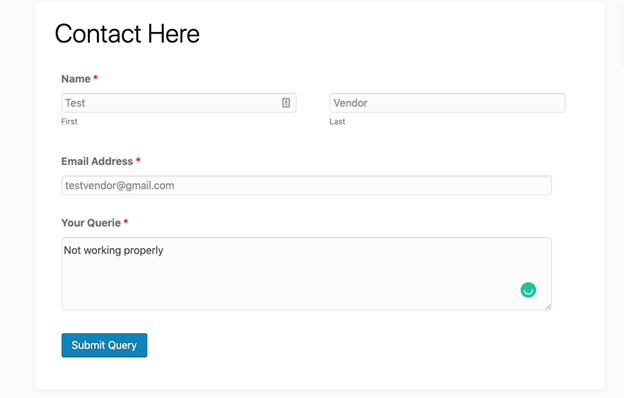
Now we’ll show how vendors will find the registration form on the marketplace.
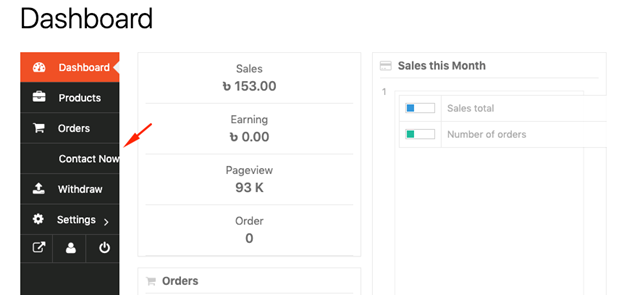
- When you logs into his dashboard, he will now be able to view the new menu label in the sidebar.
- When you clicks on it he will find the assigned form. Logged-in vendors will have their usernames and email address auto-populated and hidden since this is selected to be the case by default in you Contact Form template.
After that, vendors just need to hit Submit Query.